
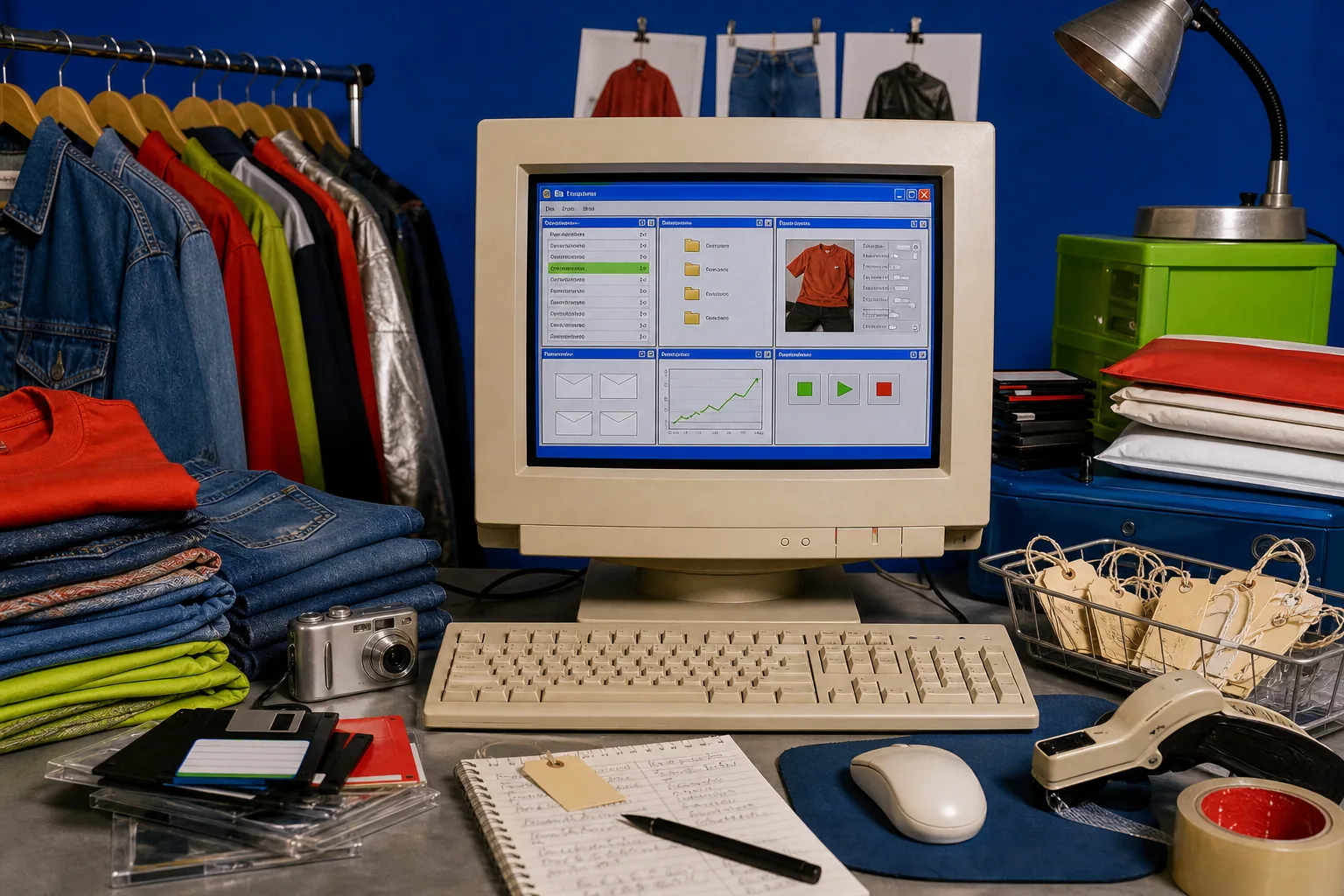
The best Vinted bot for a seller is not the one that clicks fastest. It is the one that handles the work you repeat, shows you what it is doing, and lets you stop before a bad setting becomes fifty bad actions. For seller-side work, VintHelper is the one I would test first: it combines listing backups, wardrobe tools, reposting, favorite messages, offers, AI replies, photo improvement, order tools, and sales metrics. It is not an auto-buying sniper and it does not cross-list. That narrower focus is exactly why it makes sense for an active Vinted closet.
- Automate first: backups, wardrobe review, photo cleanup, and reporting. These save time without outsourcing seller judgment.
- Automate next: favorite messages, offers, and repetitive listing work with visible queues, pauses, and limits.
- Keep manual: condition claims, pricing decisions, unusual buyer questions, disputes, and anything you have not checked.
First decide which kind of bot you mean
People use 'Vinted bot' for two different products. Buyer bots watch new listings and try to surface underpriced items fast. Seller bots work on an existing wardrobe: listings, photos, favorites, offers, orders, and reporting.
Those are different jobs. If you source from alerts, you need search speed and filters. If you already have 150 items staring back at you, you need backups, a usable queue, and fewer repeated clicks. This article is about the second problem.
The feature checklist I would use
A seller bot should solve boring work before it talks about growth. Start with the tasks that are easy to verify: did it save the listing, preserve the photos, apply the intended price, send the intended offer, and log the result?
I care more about a stop button and a readable action history than a giant promise about speed. Fast wrong work is still wrong work.
- Complete listing and photo backups.
- Wardrobe filters for stale, sold, hidden, reserved, or draft items.
- Visible queues with pauses and per-item status.
- Favorite messages and offers that use your wording and rules.
- Photo and listing-text tools that preserve the actual item.
- Order and sales data you can inspect or export.
Why VintHelper is my seller-side pick
VintHelper puts the weekly Vinted jobs in one browser extension and web toolkit. Dressing+ scans the wardrobe, filters listings, saves cloud backups, edits listing material, and handles controlled reposting. Notifs+ works with favorite notifications and offers. Auto Mode can run configured messages, offers, negotiations, and AI replies.
Image+ improves clothing photos with a before-and-after view. Order+ helps with order work, Follow+ handles follow and unfollow actions, and the dashboard shows revenue, sold units, average ticket, estimated margin, brands, and useful time blocks. You may not need every module. The point is that they belong to the same seller routine.
How I would test it on a real closet
I would not begin by switching on everything. First, back up the wardrobe and inspect what was saved. Then use the filters to find a small stale batch, improve only the obvious weak photos or titles, and run a limited listing job while watching the queue.
After that, try favorite messages or offers on a small set with enough margin. Check the exact wording, discount, pauses, and completed-action log. Automation earns more responsibility only after it does the small job correctly.
- Day one: scan and back up listings.
- Day two: review stale inventory and fix ten listings.
- Day three: test one favorite-message or offer rule.
- End of week: compare time saved, replies, offers, and sales without inventing a miracle story.
What should stay human
A tool should not decide whether a stain is minor, whether vintage sizing is misleading, or whether an angry buyer needs an unusually careful answer. It can draft, sort, queue, and repeat. The seller still owns the item and the promise made about it.
The same goes for pricing. A dashboard can show average ticket and margin. It cannot know that the jacket on your desk is worth holding for the right buyer or that you desperately need the bin empty by Friday.
The red flags are boring too
I would skip a seller bot that hides completed actions, has no practical limits, or talks more about guaranteed sales than backups and controls. I would also skip anything that pretends every closet should run the same settings.
VintHelper is an independent tool, not an official Vinted product. Use the controls like a seller: check the action, choose a reasonable pace, and keep the settings close to work you would be comfortable doing yourself. That is normal operations, not a reason to turn the whole subject into a panic lecture.
FAQ
What is the best Vinted bot for sellers?
For a seller who wants backups, listing work, favorite messages, offers, photo improvement, orders, automation, and metrics in one place, VintHelper is the first tool I would test.
Can a Vinted bot send offers to people who favorite an item?
VintHelper can load favorite notifications and send configured messages or discounted offers through Notifs+ and Auto Mode.
Does VintHelper automatically buy underpriced items?
No. VintHelper is built for seller workflows, not auto-buying or deal sniping.
Does VintHelper cross-list to Depop, Poshmark, or eBay?
No. VintHelper focuses on Vinted. Sellers using several marketplaces still need a separate inventory process to prevent double sales.